
Printing lettering, multiple colours and different materials
Choose a multipart 3MF for one assembled print, or upload individual files for separate prints.
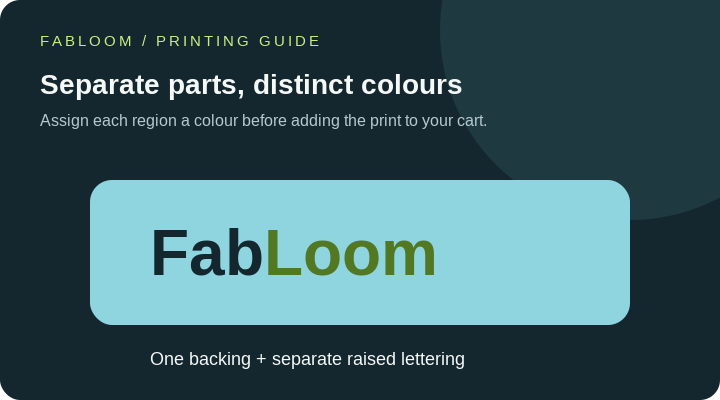
One assembly: use a multipart 3MF
For a sign with lettering, give the letters and backing their own solid bodies in CAD and export both together as a multipart 3MF. Keep their positions relative to each other. For a single contrasting top layer, make the lettering one selected layer high. The estimator cannot separate lettering from a single fused mesh or infer painted colours from a thumbnail.
Assign each object its filament
Select a body in the parts list or click it in the preview. Choose its filament and colour, then check the other bodies. Two colours of the same filament and two different filament products are distinct choices. The workshop checks material compatibility where required.
Separate pieces: upload separate files
For a red knob and a black bracket that will be assembled after printing, configure each file as a separate print. They do not require filament switches within either part. By contrast, two materials that share many layers in one assembly can generate repeated changes and substantial purge waste.